Integrate Gravity Forms with Google Analytics eCommerce Tracking
Setting up Google Analytics to your website is one of the first steps into creating a marketing plan for your business. If you are running a Woocommerce website, Google has made it easy to integrate your eCommerce store with your Google Analytics account by installing the WooCommerce Google Analytics plugin. Alternatively, you can integrate Gravity Forms with Google Analytics eCommerce tracking.
Goal: Set up E-Commerce Tracking between Gravity Forms and Google Analytics
What you need:
Google Analytics access to account
WordPress site login
FTP Access
1. Log in to Google Analytics and navigate to “Ecommerce Settings”
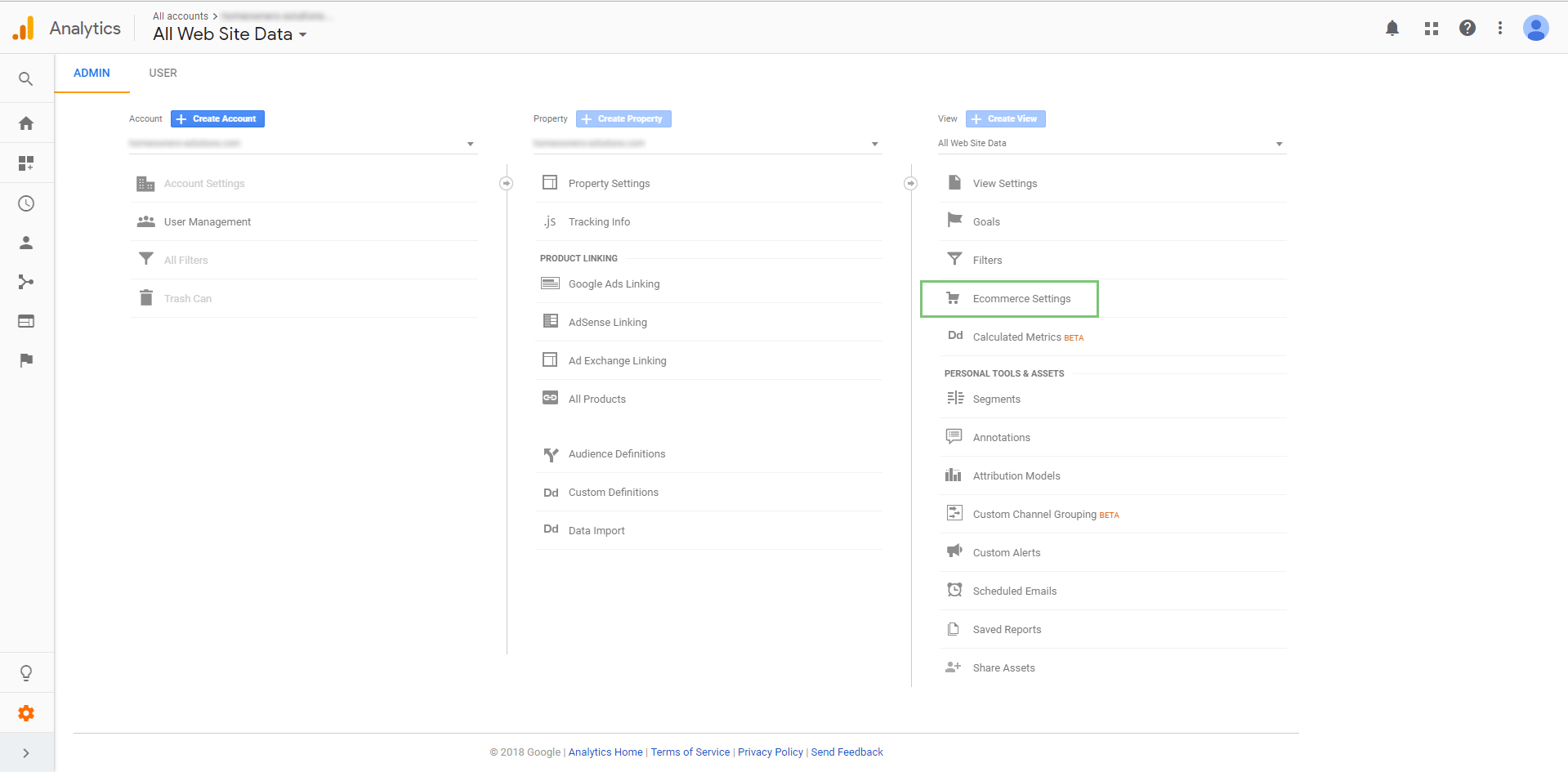
2. Turn on “Enable Ecommerce” and “Enable Enhanced Ecommerce Reporting.
3. Create a “Thank You” page template. You can do this by copying over your page.php in your theme and rename to “template-thank-you.php”.
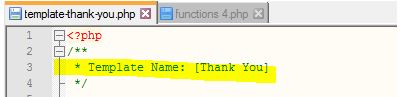
3a. Create a new page for Thank You page and assing Template to Thank-You.
4. Access FTP and add the code below to bottom of functions.php file. Be sure to notice the template file corresponds to the template page in step 3.
5. Navigate to Gravity Forms > Forms > Confirmations > Redirect Query String > Add title={form_title}&id={entry_id}.
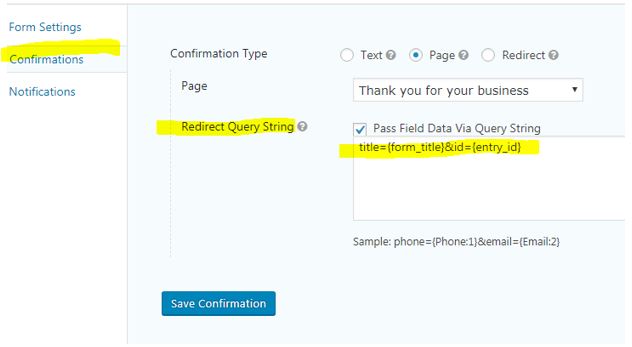
Confirm the total Field ID and match it with the ecommerce tracking code.
Test form and view page source. Search that the “transaction_id” was added to the page.
Check Analytics > Conversion > E-Commerce > Overview